GetThis with Family & Team: Start Collaborating

GetThis
Hello, from the GetThis team.
Have you ever wasted time calling your spouse from the grocery store asking "Did you buy that?" or switching between messenger apps to assign tasks to teammates?
Now, solve all that hassle with GetThis Family & Team Sharing.
Productivity is Better Together
GetThis isn't just for personal productivity; it's a powerful collaboration tool for groups. If you're on a paid plan (Pro/Final), you can invite family or team members at no extra cost to manage tasks together.
💡 Key Point: If you are a paid user, your invited family or team members can use all sharing features for free. (Unlimited task creation within the Family/Team tab)
1. Easy Invitations
Inviting family or team members is simple. Just tap the 'Invite Family / Team' button in the app.
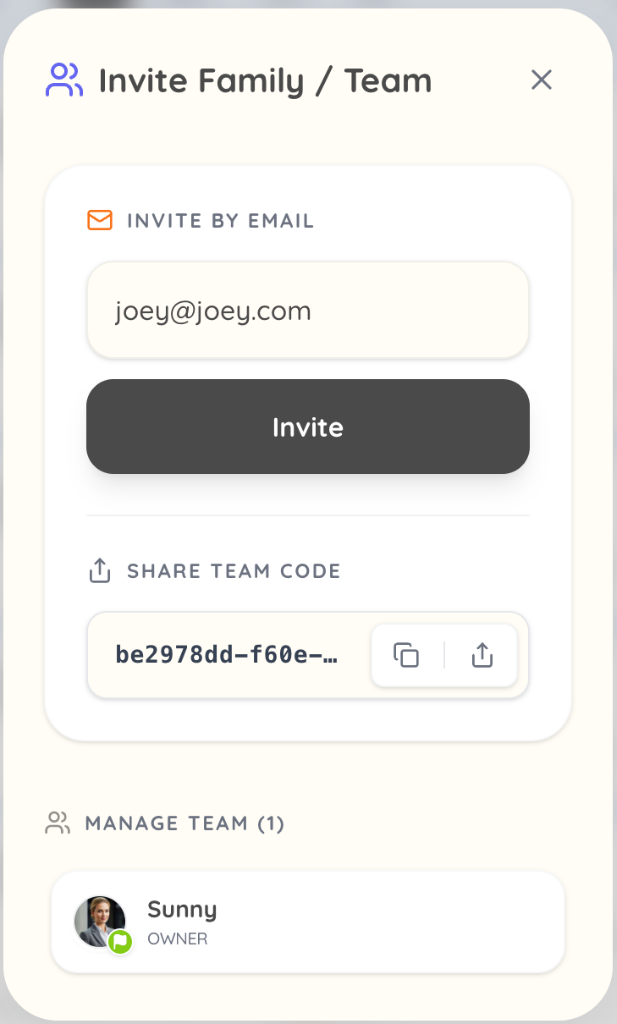
- Invite by Email: Enter their email address and tap 'Invite'.
- Invite by Code: Copy the invitation code and send it via messenger.
2. Accepting Invitations
Invitees can easily join the team via email or code.

They can tap 'Accept Invitation' in the email or enter the code in the app to instantly enter the shared space.
3. Share and Solve in Real-time
Once joined, the 'Family' or 'Team' tab becomes active. This is your shared workspace.
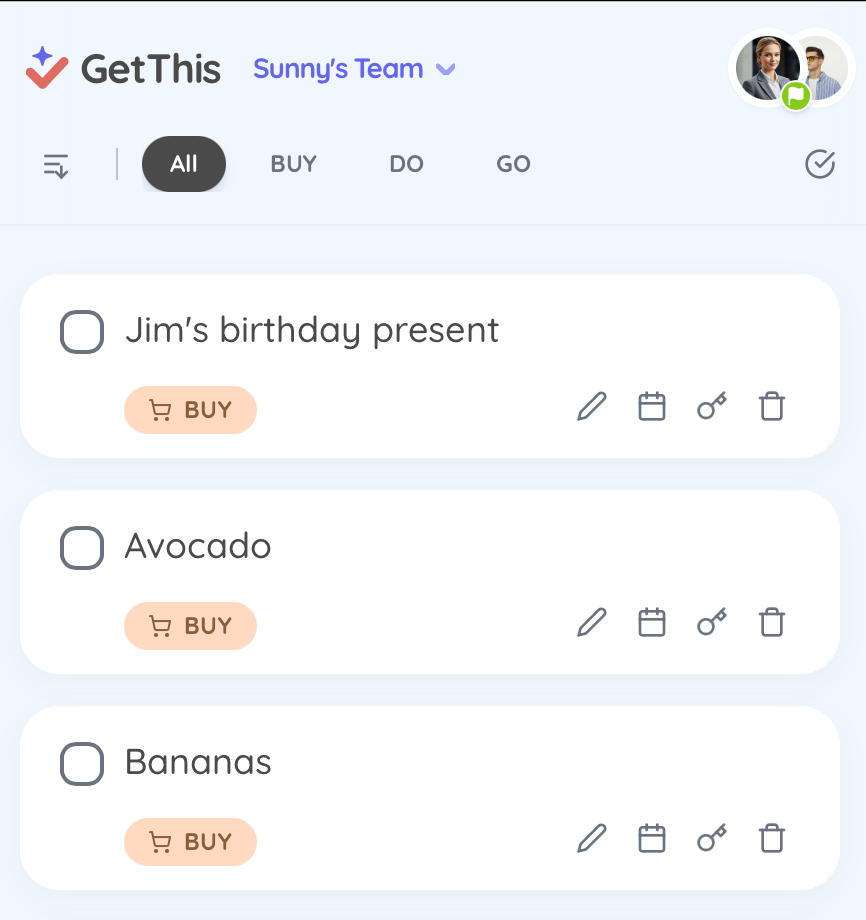
- Real-time Sync: You type 'Buy Milk', and it appears on your spouse's phone instantly.
- Task Assignment: No need to say "You do this!" Just create a task and share it.
- Everyone is a Leader: Invited members can also freely create tasks and mark them as complete.
4. Burden-free Start
Only one person in the family/team needs to subscribe to a paid plan. Except for the owner, all other members participate for free.
- Paid User: Can invite members
- Invited Members: Unlimited task creation and management within the Family tab
Invite your loved ones and colleagues today. "Speak or snap, we'll handle the rest."
GetThis supports your teamwork perfectly.